Razer Gaming Laptop Service Center in Kathmandu
Whether you own a Razer Blade 14, Blade 15, Blade 16, Blade 17, or another Razer gaming laptop, professional repair and regular maintenance are essential for maintaining premium gaming performance. At Gamitech, we provide specialized Razer gaming laptop repair services in Kathmandu, accurately diagnosing hardware and software issues to restore system stability, cooling efficiency, and overall performance.
Our technicians repair a wide range of Razer gaming laptop problems, including overheating, charging issues, motherboard failures, display damage, keyboard malfunctions, battery problems, and performance-related concerns. Every repair begins with a comprehensive diagnosis to identify the root cause, ensuring reliable and long-lasting repair solutions while helping extend the lifespan of your Razer gaming laptop.
Understanding Razer Gaming Laptops
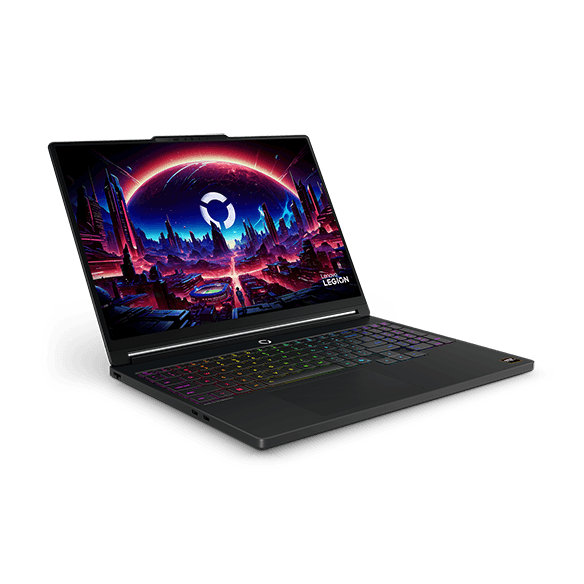
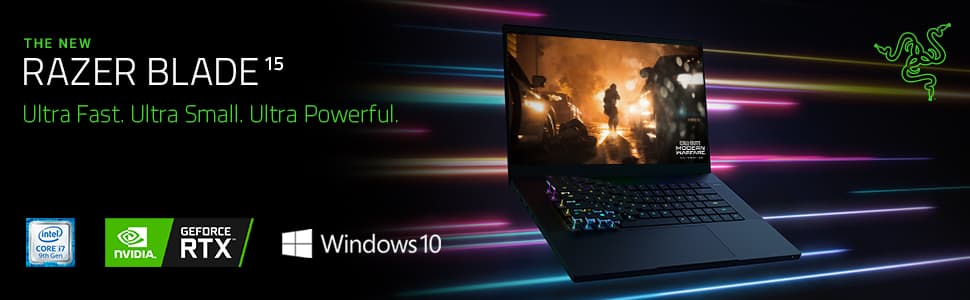
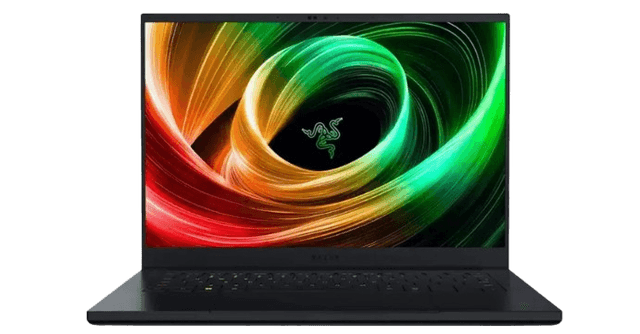
Razer Blade gaming laptops are known for combining premium build quality with powerful gaming hardware in an ultra-slim design. Equipped with high-performance Intel or AMD processors, NVIDIA GeForce RTX graphics, fast NVMe SSD storage, high-refresh-rate displays, and advanced vapor chamber cooling technology, Razer laptops are built for competitive gaming, creative workloads, and professional applications.
Due to their slim chassis and powerful hardware, Razer gaming laptops require proper thermal management and regular maintenance. Dust accumulation, aging thermal paste, battery wear, and prolonged heavy workloads can affect cooling performance and system stability. Professional servicing helps maintain optimal temperatures, improve reliability, and extend the lifespan of your device.
Common Razer Gaming Laptop Problems
Like other high-performance gaming systems, Razer laptops may develop hardware or software issues after extended use. Heavy gaming sessions, intensive workloads, accidental damage, and normal component wear can impact overall performance and reliability.
Some of the most common issues include:
- Overheating during gaming or heavy workloads
- Loud or constantly running cooling fans
- Battery swelling or charging problems
- Damaged charging ports
- Display flickering, black screen, or cracked displays
- Keyboard or RGB lighting issues
- Performance slowdowns and thermal throttling
- Motherboard-related faults
- Unexpected shutdowns or restart loops
- Liquid damage and accidental physical damage
Identifying these issues early helps prevent further hardware damage and reduces the likelihood of costly repairs.
How We Diagnose Razer Gaming Laptop Issues
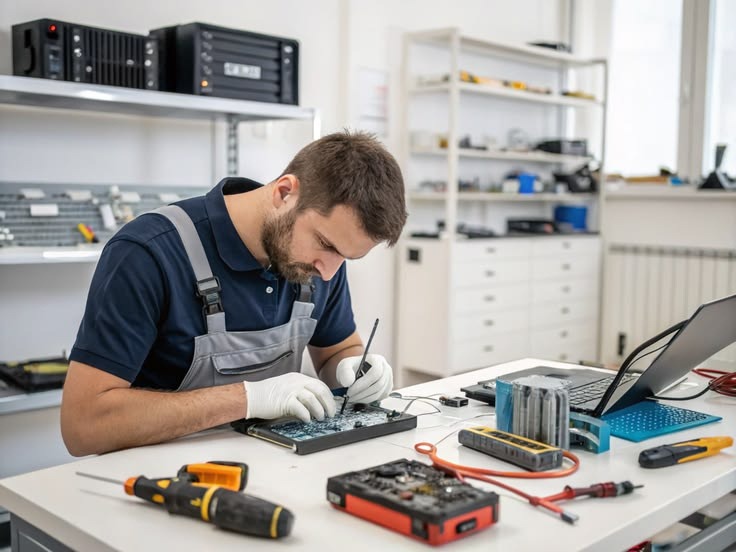
Every Razer gaming laptop brought to our service center undergoes a comprehensive diagnostic process before any repair work begins. Instead of replacing components based on assumptions, our technicians perform detailed testing to accurately determine the source of the problem.
Our diagnostic process includes inspecting the motherboard, charging circuit, battery health, display assembly, cooling system, SSD, RAM, BIOS, graphics hardware, and overall system condition. We also perform temperature monitoring and stress testing when necessary to identify overheating, cooling inefficiencies, and performance instability that may not appear during regular use.
This diagnosis-first approach reduces unnecessary component replacement, shortens repair time, and ensures every Razer gaming laptop receives an accurate and effective repair solution.
Why Timely Repair Matters
Small hardware issues can quickly develop into major failures if ignored. Increasing temperatures, battery swelling, unstable charging, excessive fan noise, performance drops, or unexpected system crashes are often early warning signs that your Razer gaming laptop requires professional attention.
Delaying repairs can place additional stress on important components such as the motherboard, graphics processor, storage devices, and battery. Timely diagnosis and preventive maintenance help avoid expensive hardware failures while maintaining reliable gaming performance.
Routine maintenance—including internal dust cleaning, cooling system servicing, fan inspection, and thermal paste replacement—helps preserve cooling efficiency and extends the lifespan of your Razer gaming laptop.
Razer Gaming Laptop Post-Warranty Support
Once your Razer gaming laptop is no longer covered by the manufacturer's warranty, choosing a trusted repair center becomes essential. Professional diagnostics, quality replacement parts, and industry-standard repair procedures help restore your laptop's performance while maximizing its longevity.
At Gamitech, we provide dependable post-warranty support for Razer gaming laptops through detailed diagnostics, transparent repair recommendations, and reliable after-service assistance. Whether your laptop requires motherboard repair, cooling system maintenance, hardware replacement, or performance optimization, our technicians are committed to delivering professional repair solutions you can trust.
Our Services

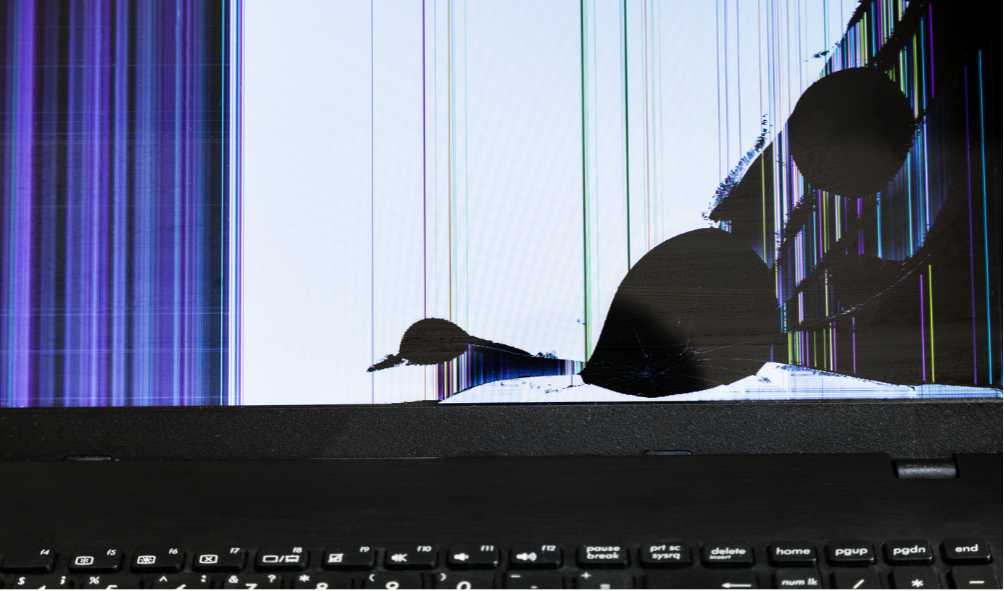
Screen Repair and Replacement
Professional laptop screen replacement for cracked, flickering, black, or damaged LCD and LED displays on all major laptop brands.

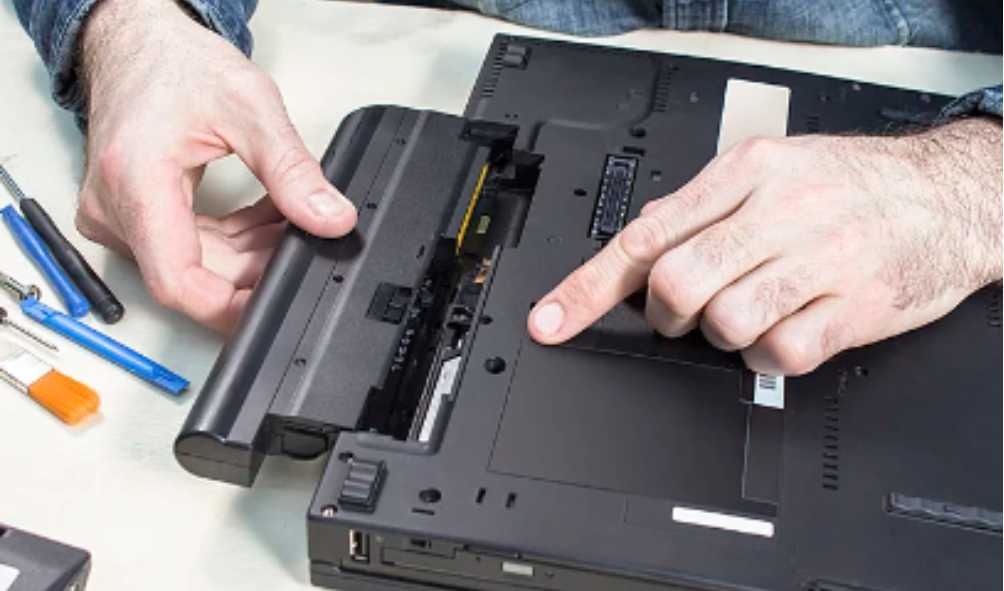
Battery Repair and Replacement
Replace old or damaged laptop batteries to restore battery life, improve charging performance, and extend device usability.

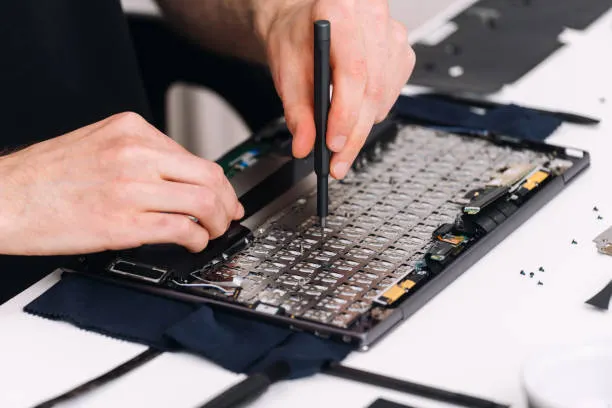
Keyboard Repair and Replacement
Repair or replace damaged laptop keyboards with unresponsive, missing, or broken keys for smooth and reliable typing.

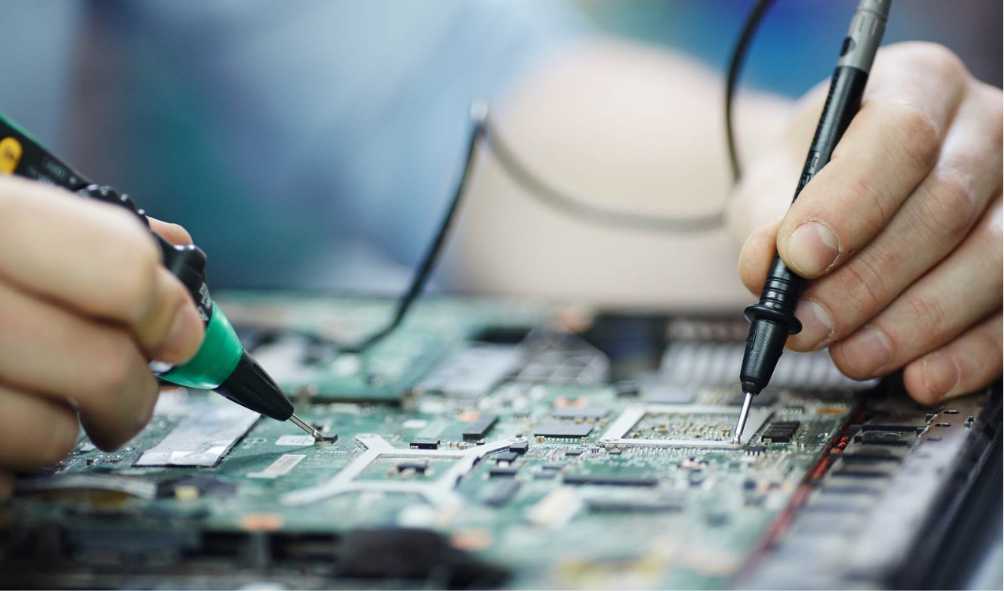
Motherboard Repair and Replacement
Expert motherboard repair for laptops with power issues, short circuits, no display, charging failures, and component-level faults.

Charger Repair and Replacement
Repair or replace faulty charging ports and DC jacks to fix charging problems and restore stable power connections.


Fan Repair and Replacement
Fix overheating laptops by repairing cooling fans, replacing thermal paste, and cleaning internal dust for optimal performance.
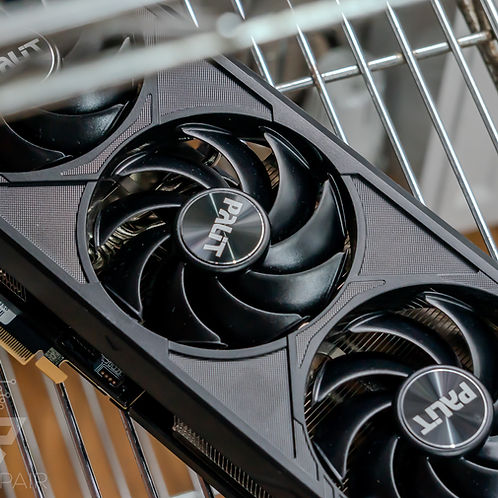

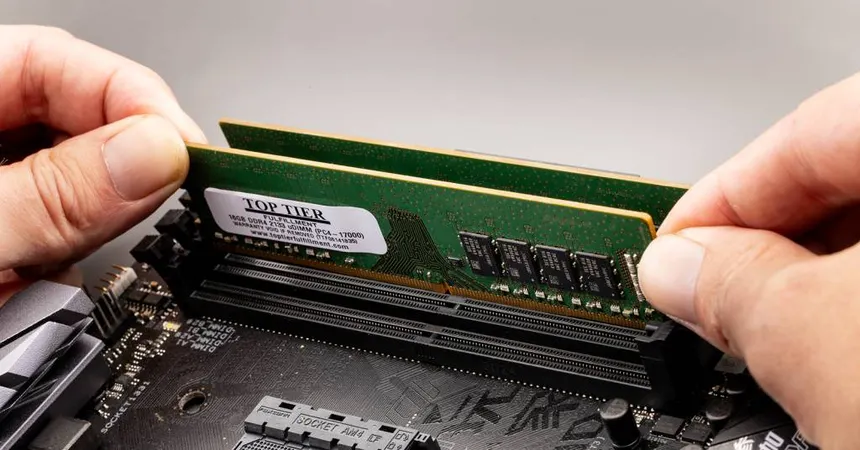
RAM Upgrade and Replacement
Upgrade your laptop with faster SSD storage and additional RAM to improve boot speed, multitasking, and overall performance.

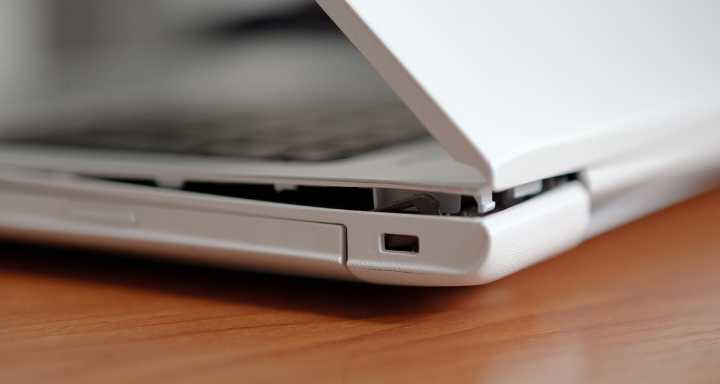
Hinge Repair and Replacement
Resolve software errors, operating system issues, malware infections, startup problems, and performance slowdowns with expert diagnostics.
Lab Tour
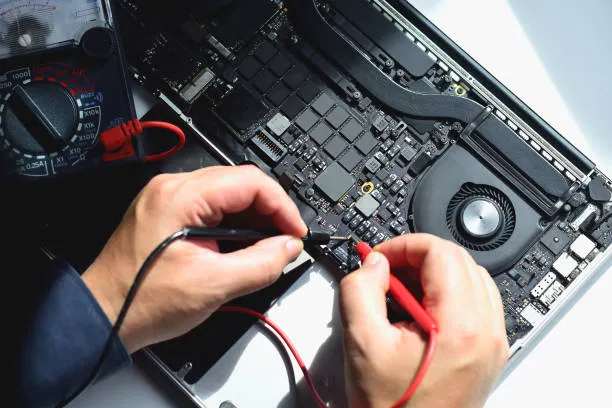
Initial Troubleshooting and Diagnosis
We identify the root cause using advanced diagnostic tools.
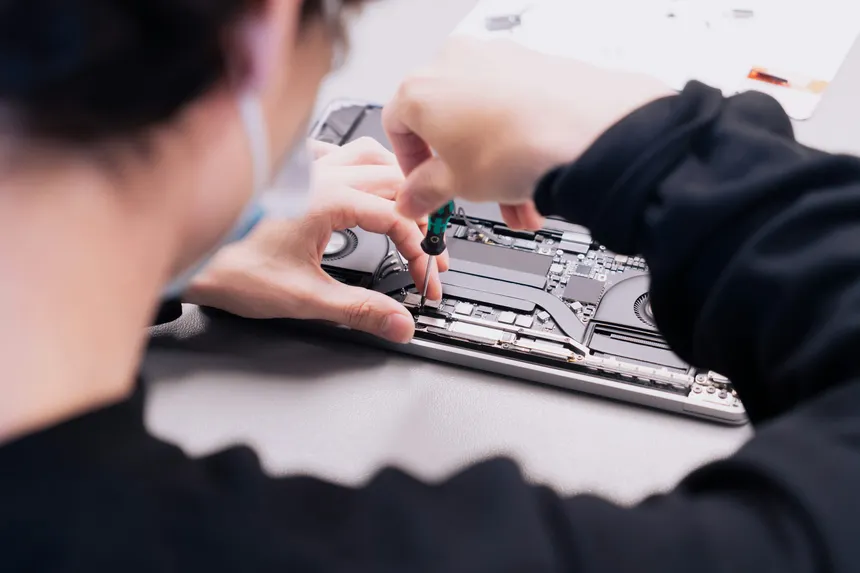
Repair & Component Replacement
Our technicians repair or replace faulty hardware with quality parts.
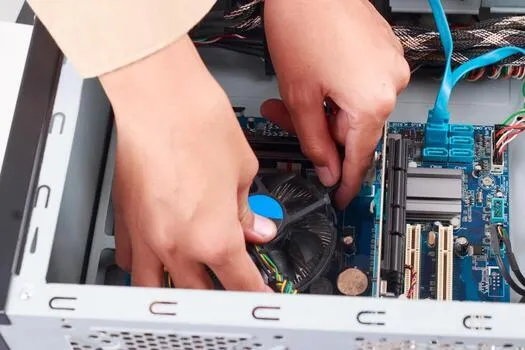
System Optimization & Software Setup
We update, secure, and optimize your laptop for peak performance.
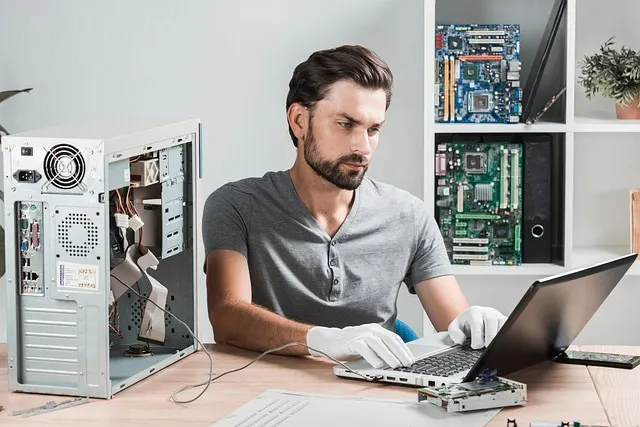
Quality Testing & Delivery
Every repaired laptop undergoes thorough testing before it's returned to you.
Benefits of razer blade
- Conceptualizing different elements and animating techniques.
- Ample materials and resources needed.
- Highly qualified and experienced Motion Graphics instructors.
- Courses designed in response to the emerging market trend in Motion Graphics.
- Conceptualizing different elements and animating techniques.
- Ample materials and resources needed.
- Highly qualified and experienced Motion Graphics instructors.
- Courses designed in response to the emerging market trend in Motion Graphics.
Why Choose Gami Tech
You can get help and advice from skilled techs who will make sure your IT systems work well.
You can get help and advice from skilled techs who will make sure your IT systems work well.
You can get help and advice from skilled techs who will make sure your IT systems work well.
You can get help and advice from skilled techs who will make sure your IT systems work well.
You can get help and advice from skilled techs who will make sure your IT systems work well.
You can get help and advice from skilled techs who will make sure your IT systems work well.
Frequently Asked Questions
Request Your Repair Now
Our expert technicians are ready to diagnose and fix your device quickly. Contact us today to get started.
Book Repair